He followed the webinar steps.
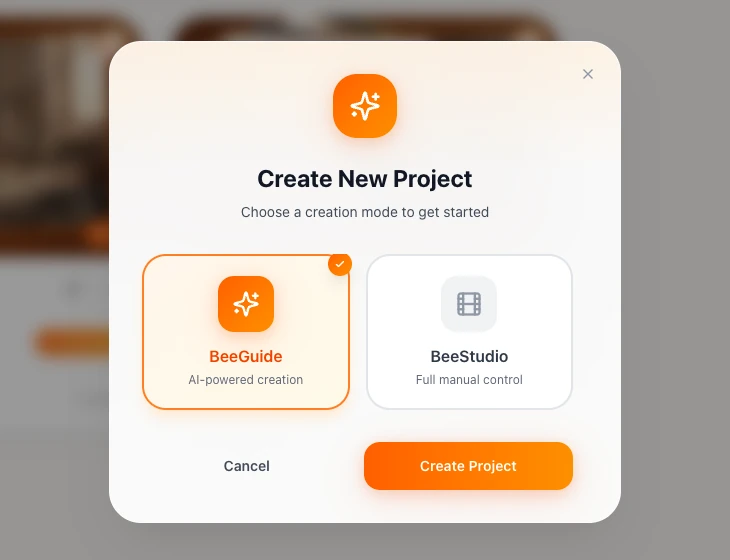
No tutorials. No guesswork. He opened BeeGuide, ToonBee's AI mode, and copied what the presenter did, click by click.
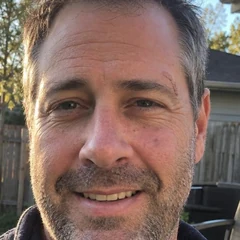
“I literally copied what they did on screen. Same clicks, same order.”
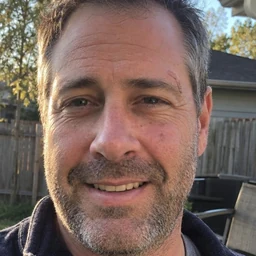

 Now He Has His Own YouTube Channel.
Dave opened ToonBee that same night, right after the webinar.
The next day, his daughter Emma was singing on her very own YouTube channel.
No camera. No face on screen. No editing skills.
Press play to watch the video Dave made with ToonBee
See exactly how Dave made it, step by step
I signed up for the free ToonBee live training the way most people do: curious, a little skeptical, half watching with dinner on the table. My notes app was full of channel ideas. I didn't even have a YouTube channel yet.
Then the presenter opened ToonBee and showed us how to make a video for a faceless YouTube channel, right there on screen. No camera, no drawing, nobody's face. It looked really easy. And I remember thinking: okay… I can actually do this.
I didn't wait for a better moment. Minutes after the webinar ended, my channel already had a name.
– Dave
P.S. After I finished my first video, I emailed the ToonBee team just to say thank you. They wrote back and asked if they could share my story with you. I said yes, because a couple of months ago, I was exactly where you are right now.
HOW HE DID IT
No tutorials. No guesswork. He opened BeeGuide, ToonBee's AI mode, and copied what the presenter did, click by click.
“I literally copied what they did on screen. Same clicks, same order.”
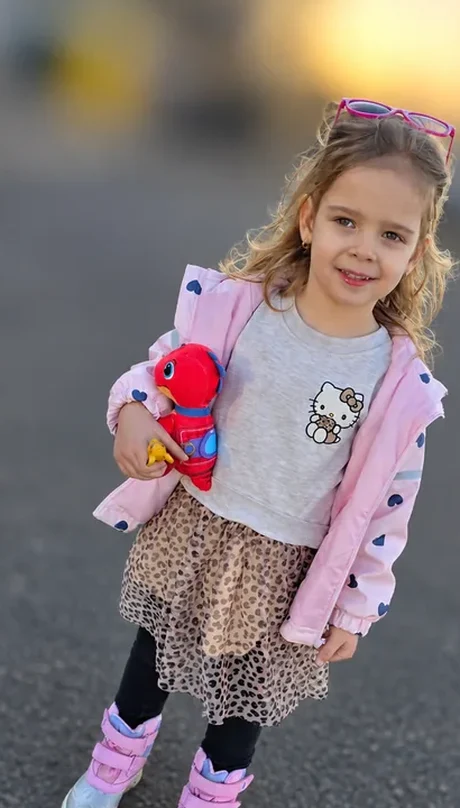
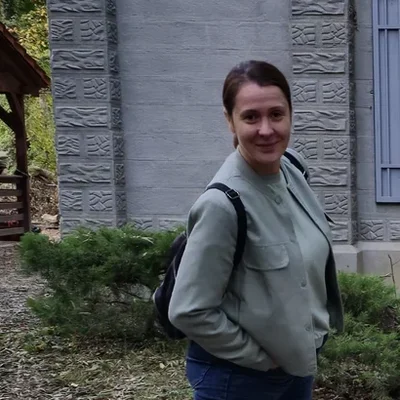
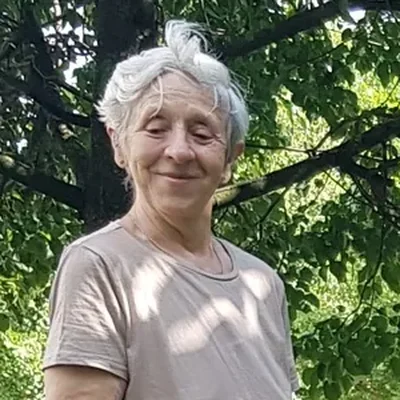
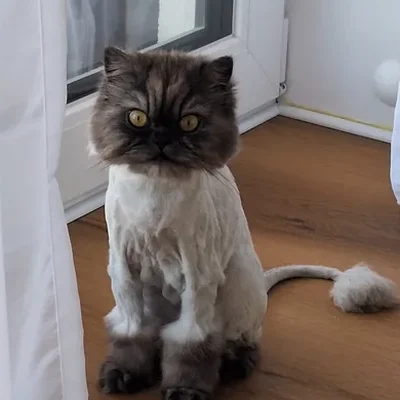
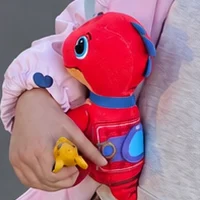
He didn't invent anything. The song was the one Emma sings in the car. The cast was his family, the cat and Emma's plush dino.
“Picking the song was easy. Emma had already picked it for me.”
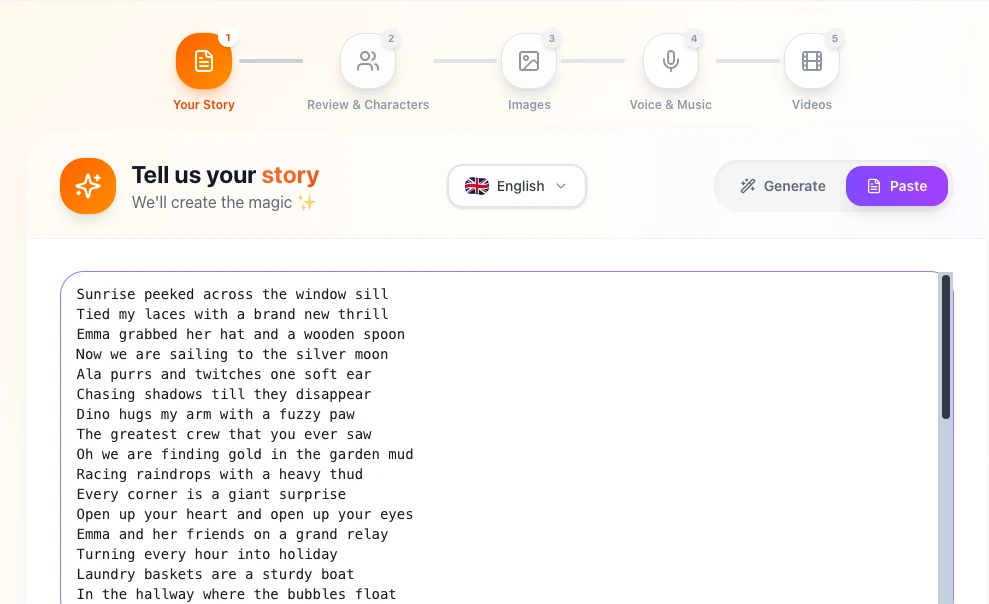
No storyboard. No script. He pasted the lyrics, picked the 3D Pixar style, and ToonBee did the rest: characters, images, voice and video.
“I just pasted the lyrics, and ToonBee planned the whole thing out.”

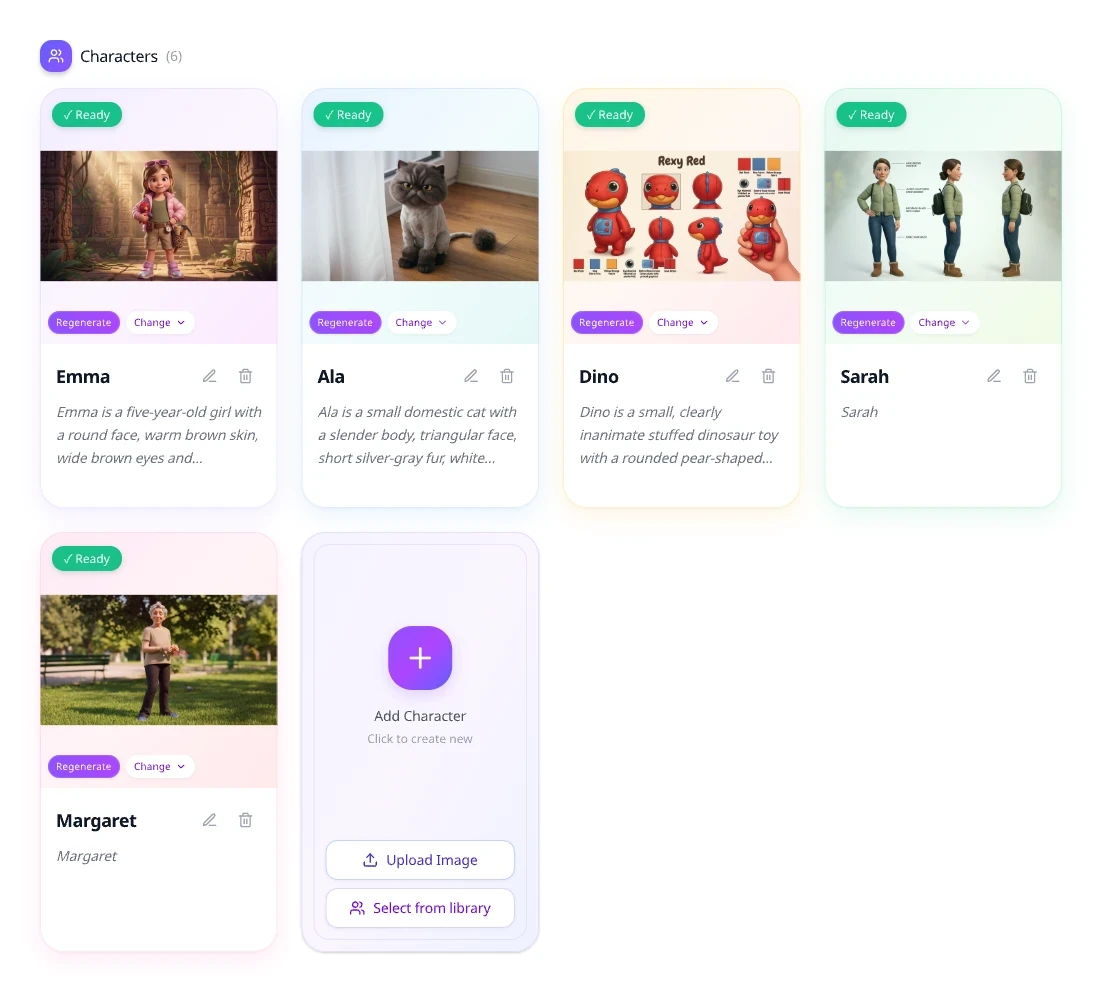
He used photos already on his phone. Emma, his wife, Grandma, Ala and the plush dino. Each came back as a character that looks the same in every scene.
“Seeing Grandma as a cartoon got me a little emotional, not gonna lie.”
 Phone photo
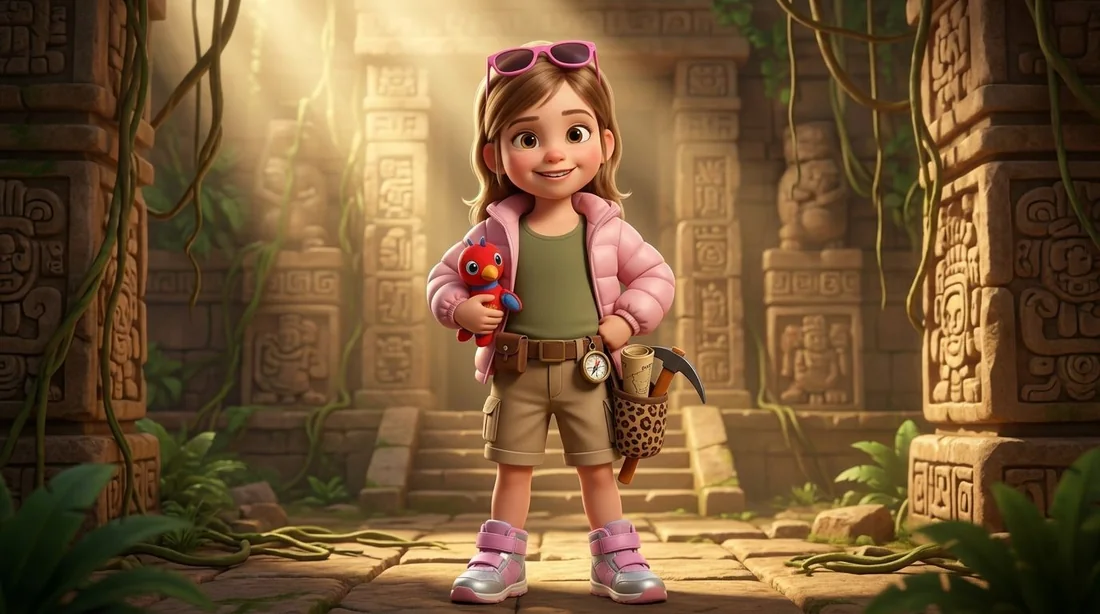 ToonBee character
Emma His daughter, and the star of every episode.
Phone photo
 ToonBee character
Mom Reads the maps, packs the snacks.
Phone photo
 ToonBee character
Grandma Knows every lullaby by heart.
Phone photo
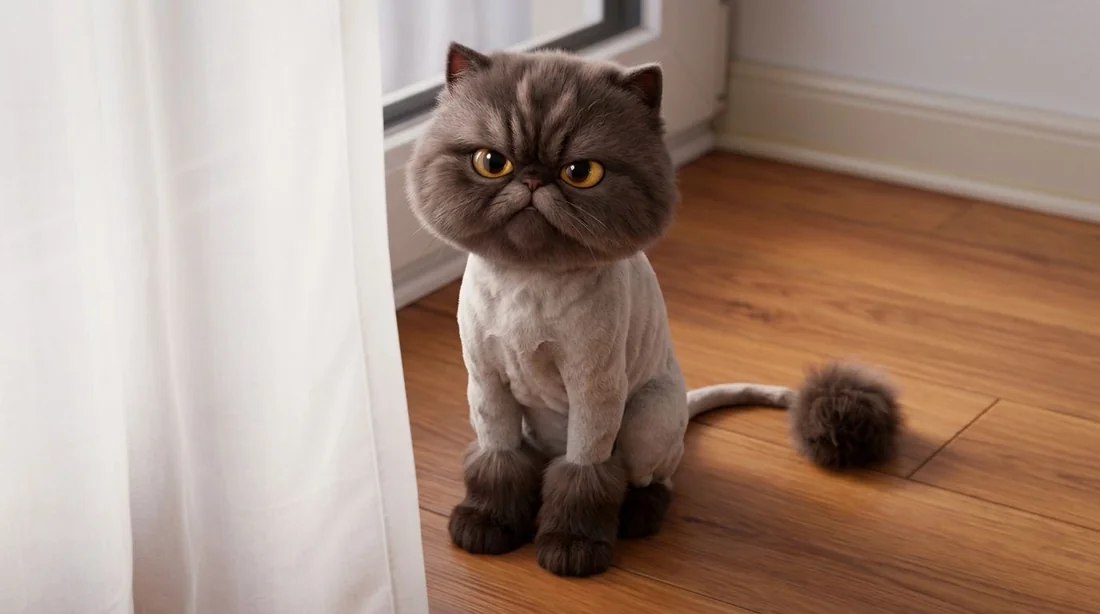 ToonBee character
Ala Grumpy sidekick. Fan favourite in the comments.
Phone photo
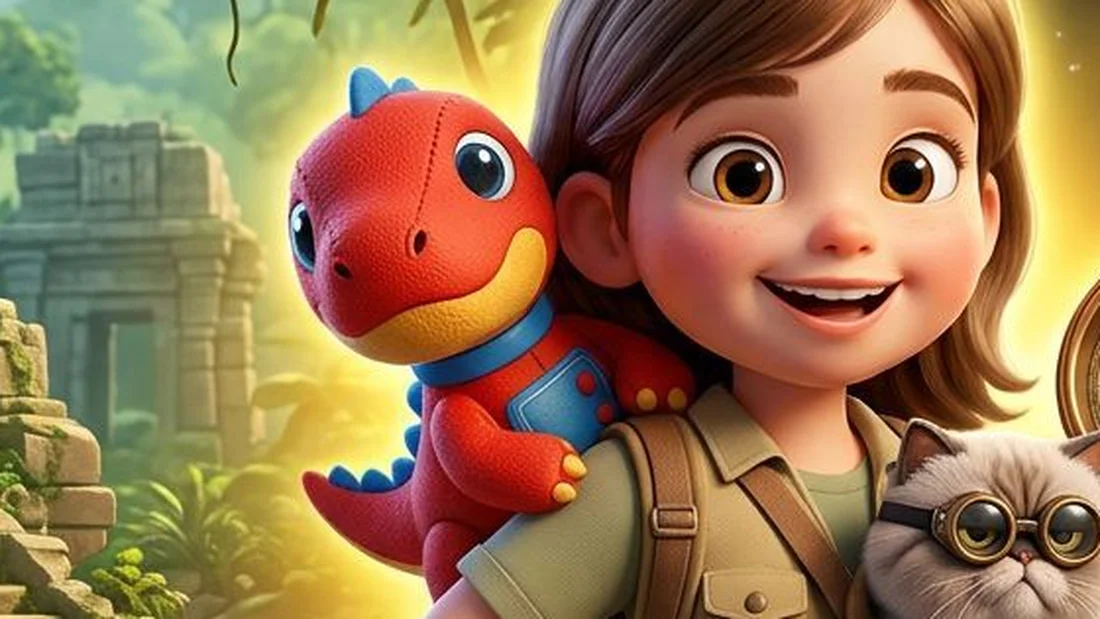 ToonBee character
Dino Emma's plush best buddy. Never leaves her side.

ToonBee planned 20 scenes and drew every one. He reviewed them, changed nothing, and hit generate for the final video.
“I didn’t change a single scene. Just reviewed them and hit generate.”
Title, thumbnail, “Made for kids”, Publish. Emma watched herself sing on TV before bedtime.
And that was it.
“Emma made me play it four times before bed.”
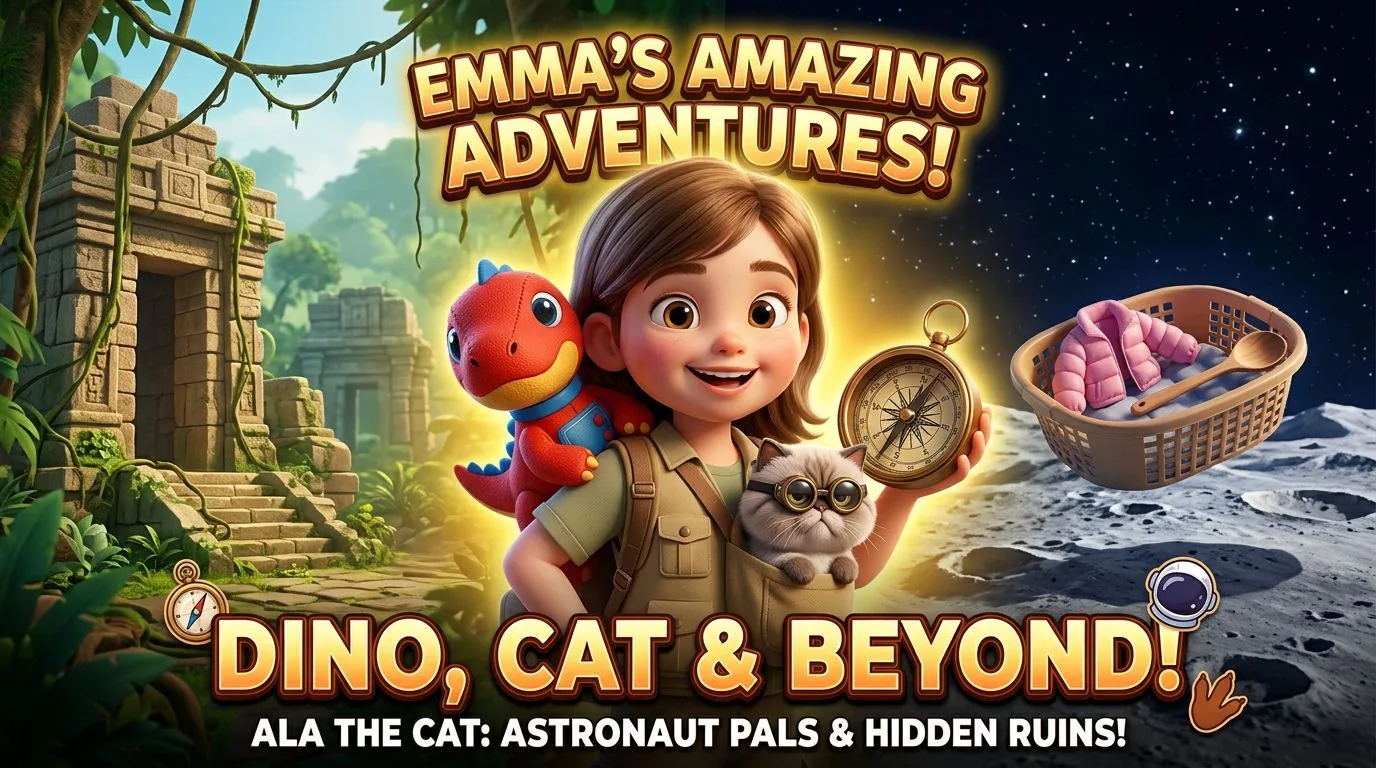 2:41
2:41
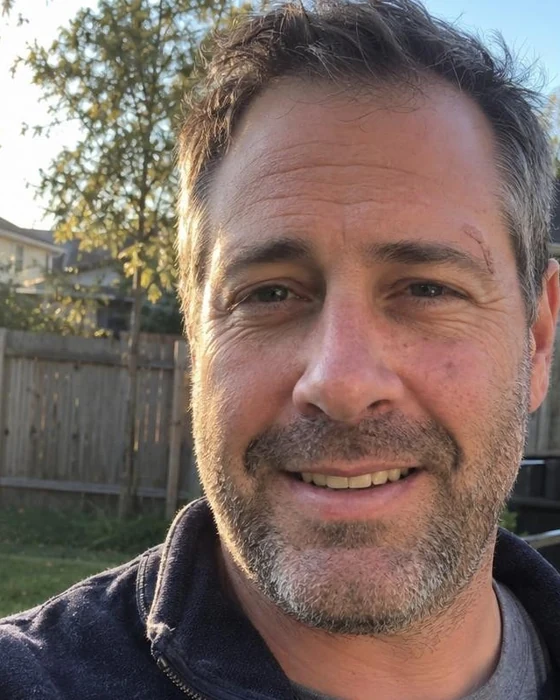
“For months I kept saying I would make something for Emma one day. I just never knew where to start, so I never did. The ToonBee webinar showed me it could actually be simple, and that same night I finally started. Now she has her own channel and a dad who stopped putting it off. Thank you, ToonBee, for giving me the push I needed.”Join The Next Free Webinar
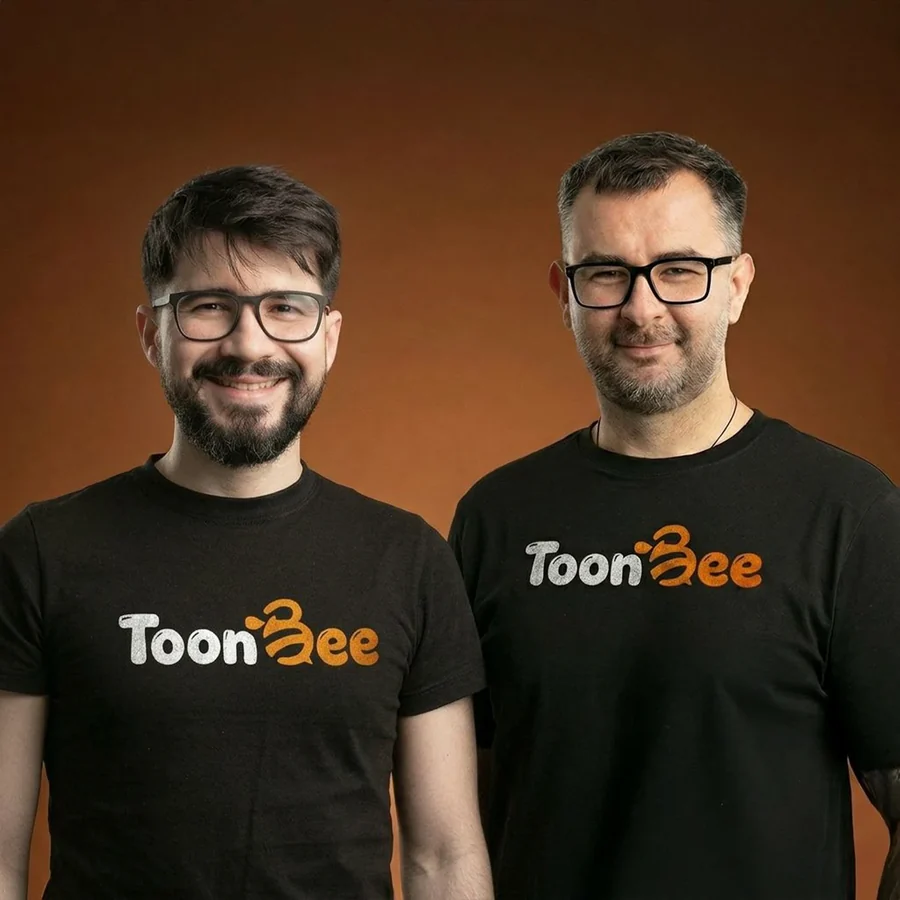
Hosted by Stoica and Michael from the ToonBee team
Learn the tips and shortcuts that get you from idea to finished video faster. Most people who skip the training use maybe 20% of what ToonBee can do.

Free. Takes 10 seconds to reserve, and it can save you weeks.